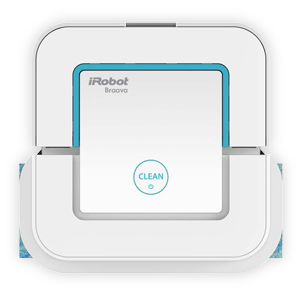
The iRobot HOME App connects to Braava jet through Bluetooth. Use the following procedure to connect Braava jet with the iRobot HOME App or follow the in-app instructions to connect if the iRobot HOME App has already been downloaded to your mobile device.
Ensure Bluetooth is enabled on your mobile device.
Open the iRobot HOME app and click on the  icon.
icon.
Select Add a robot.
Select the Braava jet option.
Choose Add a Braava jet.
The app will now ask you to charge the robot battery, install it in the battery well, connect a cleaning pad, and fill the robot with water.
Turn the robot on by pressing the CLEAN button once (your mobile device should be in close proximity to the robot).
The app will now search for your Braava jet, tap on it when it appears at the top of the screen.
The app will display Adding Braava jet.
You should then see Braava jet added! once the discovery and setup is successful.
You can now name your Braava jet and complete the setup process.
Related Links